
Pinterest · Personal accounts
How do I stop Pinterest from training on my data?
Turn off “Use your data to train Pinterest Canvas” in Settings → Privacy and data. Pinterest Canvas is Pinterest’s image-generation model, which Pinterest says it trains on content users save or upload. Under-18 accounts are opted out automatically.
What are the steps?
- On desktop, select the More options icon at the bottom left, then Settings.
- Select Privacy and data.
- Uncheck Use your data to train Pinterest Canvas, then select Save. In the app: profile picture → profile photo → Privacy and data → switch off the same toggle.
Items marked Being verified aren’t clearly stated in the official documentation yet. We’re confirming them before adding detail. Spotted a change? Tell us.
$9 · PDF
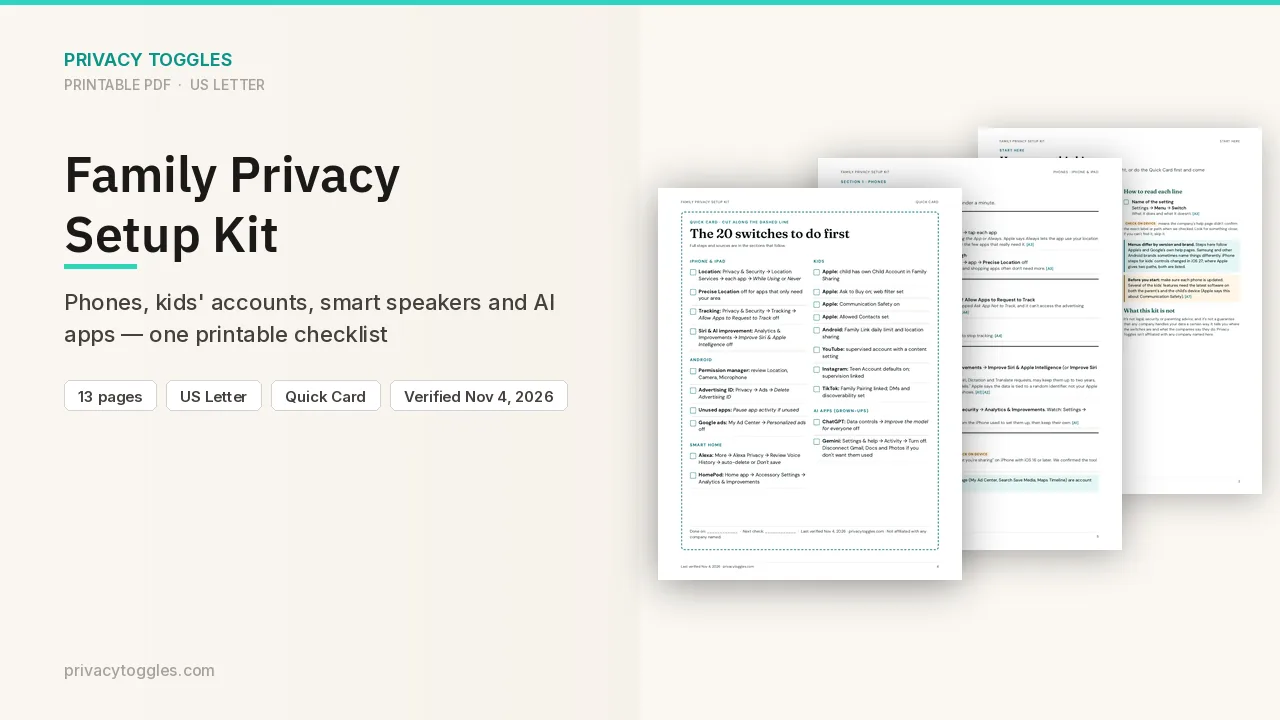
Family Privacy Setup Kit
This page covers Pinterest only. The Family Privacy Setup Kit is a 13-page printable for kids’ devices, smart speakers, every phone in the house, and the AI apps the grown-ups use.
Get the family kit ($9)What does turning it off actually do?
Turn off Use your data to train Pinterest Canvas.
- Desktop: log in → More options icon (bottom left) → Settings → Privacy and data → uncheck Use your data to train Pinterest Canvas → Save.
- App (iPhone and Android): tap your profile picture (bottom right) → tap your profile photo (top left) → Privacy and data → switch off Use your data to train Pinterest Canvas.
- Pinterest Canvas is Pinterest's image-generation foundation model. Pinterest says it trains Canvas on "certain publicly available data that users save or upload" and that you can opt out at any time.
- Under 18: Pinterest says you're opted out automatically and can't opt in.
- Default state for adults: Being verified (the help page doesn't say).
Anything else to know?
Pinterest says it uses Canvas to help advertisers, for example by generating backgrounds on product images. The same help page links to a separate article on seeing fewer AI-generated Pins. Source: https://help.pinterest.com/en/article/manage-genai-settings
Which official pages were checked?
This setting has changed before and may again. Email me when it changes.