
Amazon · Personal Amazon accounts
How do I stop Alexa from training on my data?
Amazon says Alexa voice recordings are used to improve accuracy. There’s no AI-training toggle on its help pages, but you can choose Don’t save, set auto-delete, or delete your history in the Alexa app under More → Alexa Privacy.
What are the steps?
- Open the Alexa app and tap More.
- Tap Alexa Privacy, then Review Voice History.
- Choose your auto-delete or Don’t save option; to delete everything, use Review Alexa History → Delete all History.
Items marked Being verified aren’t clearly stated in the official documentation yet. We’re confirming them before adding detail. Spotted a change? Tell us.
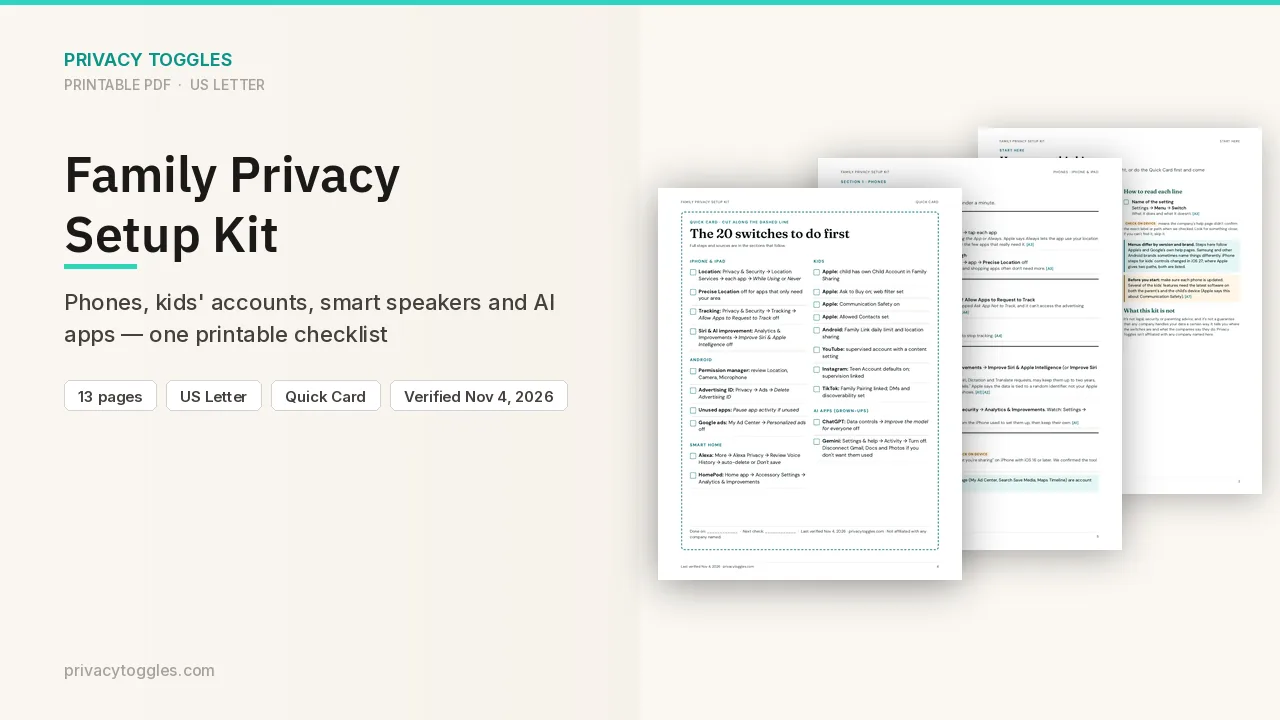
$9 · PDF
Family Privacy Setup Kit
This page covers Alexa only. The Family Privacy Setup Kit is a 13-page printable for kids’ devices, smart speakers, every phone in the house, and the AI apps the grown-ups use.
Get the family kit ($9)Does Alexa train on my data?
Amazon's help pages say: "Voice recordings are used to improve the accuracy of your interactions with Alexa." Whether that includes training generative AI models (Alexa+), and whether any setting stops it: Being verified (not stated on the pages checked). Sources: https://www.amazon.com/gp/help/customer/display.html?nodeId=GHXNJNLTRWCTBBGW , https://www.amazon.com/gp/help/customer/display.html?nodeId=G68KUKTXN92WY3C3
How long does Alexa keep my data?
Set recordings to delete automatically, or choose Don't save:
- Alexa app → More → Alexa Privacy → Review Voice History, then pick your auto-delete or save setting. Exact control name for the retention choice: Being verified (the page shows the menu but not the label).
- Recordings older than the period you pick are deleted automatically.
- With Don't save, Amazon says your voice recordings are deleted and future recordings won't be saved. Chat transcripts and typed requests are kept until they've been inactive for 30 days, then deleted automatically. Voice IDs linked to the account are also deleted.
How do I delete my Alexa data?
- All history: Alexa app → More → Alexa Privacy → Review Alexa History → Delete all History. Or use Alexa Privacy Settings in a web browser.
- Specific chats: Review Voice History, filter by date range, device or profile, then select chats to delete.
- Deleting voice recordings doesn't delete your Alexa messages. Recordings stay visible until the deletion finishes.
- Amazon warns that deleting recordings "may degrade your experience".
Which official pages were checked?
- www.amazon.com/gp/help/customer/display.html?nodeId=G68KUKTXN92WY3C3
- www.amazon.com/gp/help/customer/display.html?nodeId=GHXNJNLTRWCTBBGW
- www.amazon.com/gp/help/customer/display.html?nodeId=GVLEU55A9NDZRWBU
This setting has changed before and may again. Email me when it changes.