
LinkedIn · Personal member accounts
How do I stop LinkedIn from training on my data?
Turn off the “Data for Generative AI Improvement” setting, which LinkedIn says is on by default. LinkedIn and its affiliates, including Microsoft, then won’t use your data to train content-generating AI going forward, though feedback you send can still be used.
What are the steps?
- Sign in to LinkedIn and open linkedin.com/mypreferences/d/settings/data-for-ai-improvement.
- Find the Data for Generative AI Improvement setting.
- Switch it off.
Items marked Being verified aren’t clearly stated in the official documentation yet. We’re confirming them before adding detail. Spotted a change? Tell us.
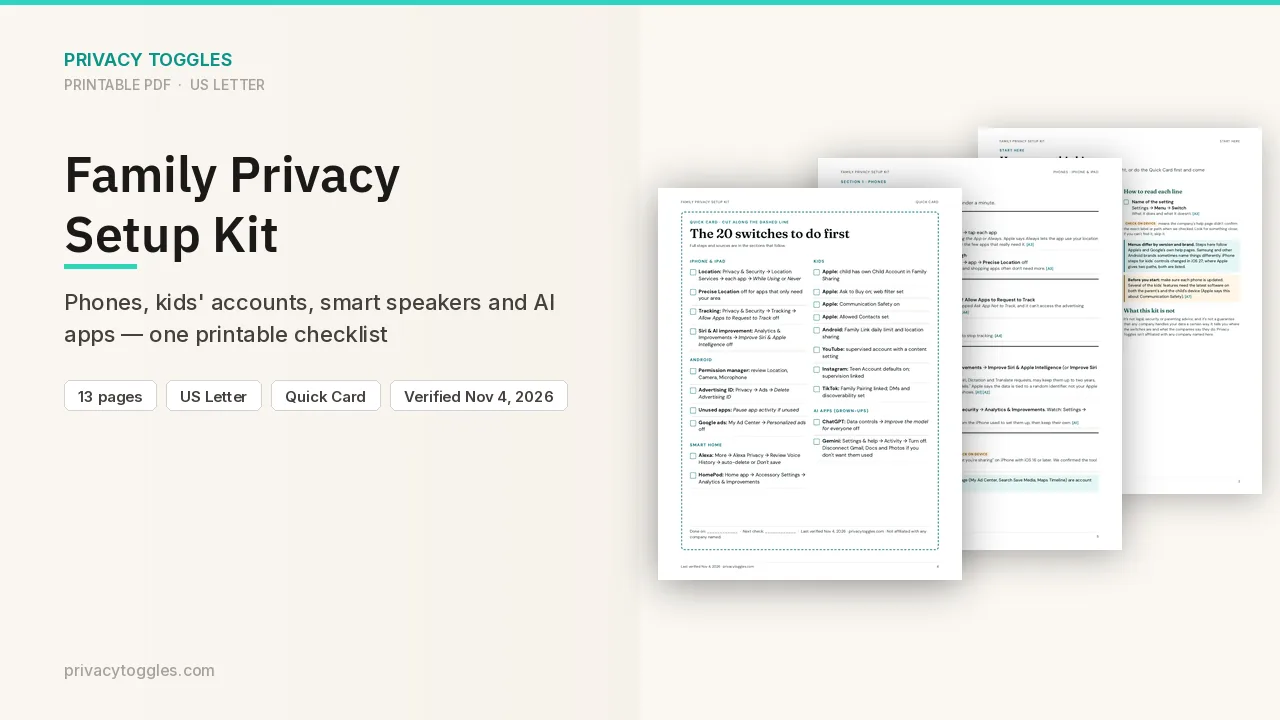
$9 · PDF
Family Privacy Setup Kit
This page covers LinkedIn only. The Family Privacy Setup Kit is a 13-page printable for kids’ devices, smart speakers, every phone in the house, and the AI apps the grown-ups use.
Get the family kit ($9)What does turning it off actually do?
Turn off the Data for Generative AI Improvement member setting. Direct link (from LinkedIn's FAQ): https://www.linkedin.com/mypreferences/d/settings/data-for-ai-improvement
- LinkedIn says the setting is on by default unless you turn it off.
- Off = LinkedIn and its affiliates (including Microsoft) won't use your data and content to train AI models that generate content, going forward. Training that already happened isn't undone.
- It does NOT cover AI models used for other purposes, such as personalizing your feed or security, safety and anti-abuse. To object to those, LinkedIn points to its Data Processing Objection form.
- Feedback you give (thumbs up/down, text in feedback) may still be used to train content-generating models even if you opt out.
- If LinkedIn has reason to believe you're under 18, your data isn't used for this training even if the setting appears on.
- Menu path (Settings & Privacy, then Data privacy) and the exact toggle wording: Being verified (not stated on the pages checked; use the direct link).
Does LinkedIn train on my data?
What LinkedIn says it uses to train content-generating models: profile data (name, photo, positions, education, location, skills and more), what you type into its AI features, saved screening answers and resumes, group activity and group messages, your posts, articles, comments and poll responses, and feedback. What it says it does NOT use: private messages (InMail and Inbox), log-in credentials, payment data, and salary or job-application data attributable to you. Models may come from LinkedIn or another provider, for example Microsoft's Azure OpenAI services.
How long does LinkedIn keep my data?
What you enter into LinkedIn's AI features, and what they generate, is stored until you delete it. LinkedIn points to its data access tool to review, delete or request deletion. Source: https://www.linkedin.com/help/linkedin/answer/a5538339
Is my LinkedIn data used for ads?
LinkedIn's November 3, 2025 terms update says that for "All other countries (including the US)" it can share more member data (profile, feed activity, ad engagement) with Microsoft for personalized ads, and you can opt out in your settings. For US members it says there were no changes to generative-AI training in that update. Exact ad-setting name for the Microsoft sharing: Being verified. Source: https://www.linkedin.com/help/linkedin/answer/a8059228
Anything else to know?
EEA, Switzerland and UK members: LinkedIn began using some of their data for content-generating AI training from November 3, 2025, with the same opt-out setting. Source: https://www.linkedin.com/help/linkedin/answer/a8059228
Which official pages were checked?
- www.linkedin.com/help/linkedin/answer/a6278444
- www.linkedin.com/help/linkedin/answer/a5538339
- www.linkedin.com/help/linkedin/answer/a8059228
This setting has changed before and may again. Email me when it changes.