
Perplexity · Consumer accounts
How do I stop Perplexity from training on my data?
Open the profile icon at the bottom left, then Preferences, and turn off “AI data retention.” It’s on by default for Free, Pro and Max; turning it off stops future data being used to improve models and doesn’t remove past data. The opt-out only covers data collected after you switch it off, and data may still be processed for service operation, legal compliance, and product improvement. Incognito searches (profile icon → Incognito) are never stored. To delete the account, open account details → Delete account → Learn more → confirm; deletion is permanent within 30 days, and signing in before then cancels it.
What are the steps?
- Open the profile icon at the bottom left.
- Go to Preferences.
- Turn off “AI data retention.”
Items marked Being verified aren’t clearly stated in the official documentation yet. We’re confirming them before adding detail. Spotted a change? Tell us.
$9 · PDF
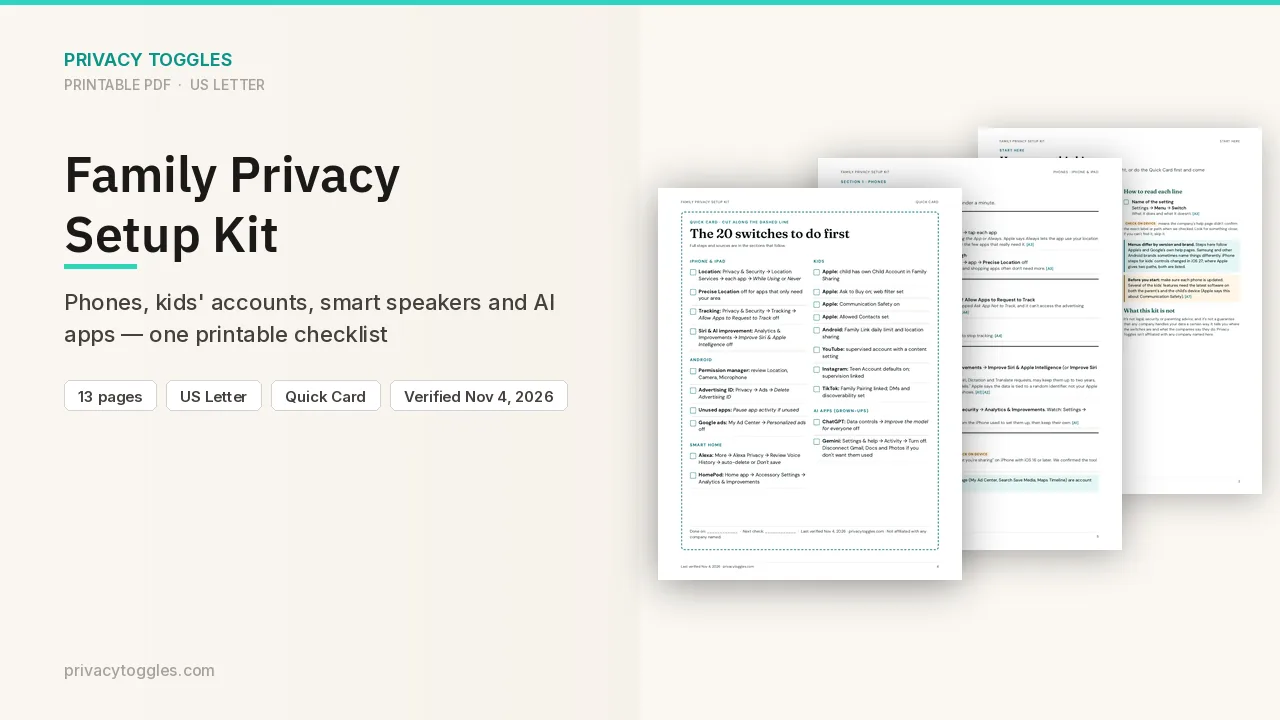
Family Privacy Setup Kit
This page covers Perplexity only. The Family Privacy Setup Kit is a 13-page printable for kids’ devices, smart speakers, every phone in the house, and the AI apps the grown-ups use.
Get the family kit ($9)What does turning it off actually do?
Settings are reached from the profile icon at the bottom left. Account → Preferences → turn off AI data retention — stops future data being used to improve models; doesn't remove past data. Enterprise data not used. AI data retention is ON by default for Free, Pro and Max. Opt-out applies only to data collected after the opt-out; previously collected training data can't be removed. Enterprise data never used for training. After you opt out, Perplexity says: "Data may still be processed for service operation, legal compliance, and product improvement." The official page calls the toggle "AI data retention" and, in the same explanation, "Enabling the 'AI Data Usage' feature". Those two labels don't match.
Incognito
Profile icon → Incognito. "Searches in incognito mode are never stored." Signed-out threads are anonymous by default. From the official help pages checked: https://www.perplexity.ai/help-center/en/articles/11564572-data-collection-at-perplexity and https://www.perplexity.ai/help-center/en/articles/10352990-account-settings
Who else can see my Perplexity data?
Account & Settings help says search data is never shared with a third-party service whether AI data retention is on or off. Source: https://www.perplexity.ai/help-center/en/articles/10352990-account-settings
How long is my Perplexity data kept, and how do I delete it?
Consumer retention period and human review: Being verified (not on the pages checked). Delete your account at https://www.perplexity.ai/account/details (or the bottom-left profile icon → All settings) → Delete account → Learn more → confirm. Deletion is permanent within 30 days; signing in before then cancels it. To delete all sessions without deleting the account: https://www.perplexity.ai/library → the … next to Threads → Delete sessions. Source: https://www.perplexity.ai/help-center/en/articles/10354879-account-deletion
What about work plans?
Perplexity Enterprise accounts are automatically excluded: Settings → Preferences → AI data retention shows off and locked (verified in a live Enterprise account, 2026-10-13). Consumer-plan details above come from official docs and have not yet been checked in a free account.
Is it on by default?
AI data retention is ON by default for Free, Pro and Max.
Does turning it off delete past data?
Opt-out applies only to data collected after the opt-out; previously collected training data can't be removed.
Which official pages were checked?
- www.perplexity.ai/help-center/en/articles/11564572-data-collection-at-perplexity
- www.perplexity.ai/help-center/en/articles/10352990-account-settings
- www.perplexity.ai/help-center/en/articles/10354879-account-deletion
This setting has changed before and may again. Email me when it changes.