
Google · Personal Google accounts
How do I stop Gmail, Docs & Photos from training on my data?
Google says it doesn’t scan your private Docs or Drive files to train Gemini. But if you connect Gmail, Drive or Photos to the Gemini app, Google says that data can be used to train its generative AI. To prevent that, disconnect those apps in Gemini’s Personal Intelligence settings.
What are the steps?
- Open the Gemini app’s Personal Intelligence settings.
- Disconnect Gmail, Drive/Docs, Photos or any other app you don’t want used.
- Optionally, in Gmail on a computer, go to Settings → See all settings → General and review the three smart-feature settings.
Items marked Being verified aren’t clearly stated in the official documentation yet. We’re confirming them before adding detail. Spotted a change? Tell us.
$9 · PDF
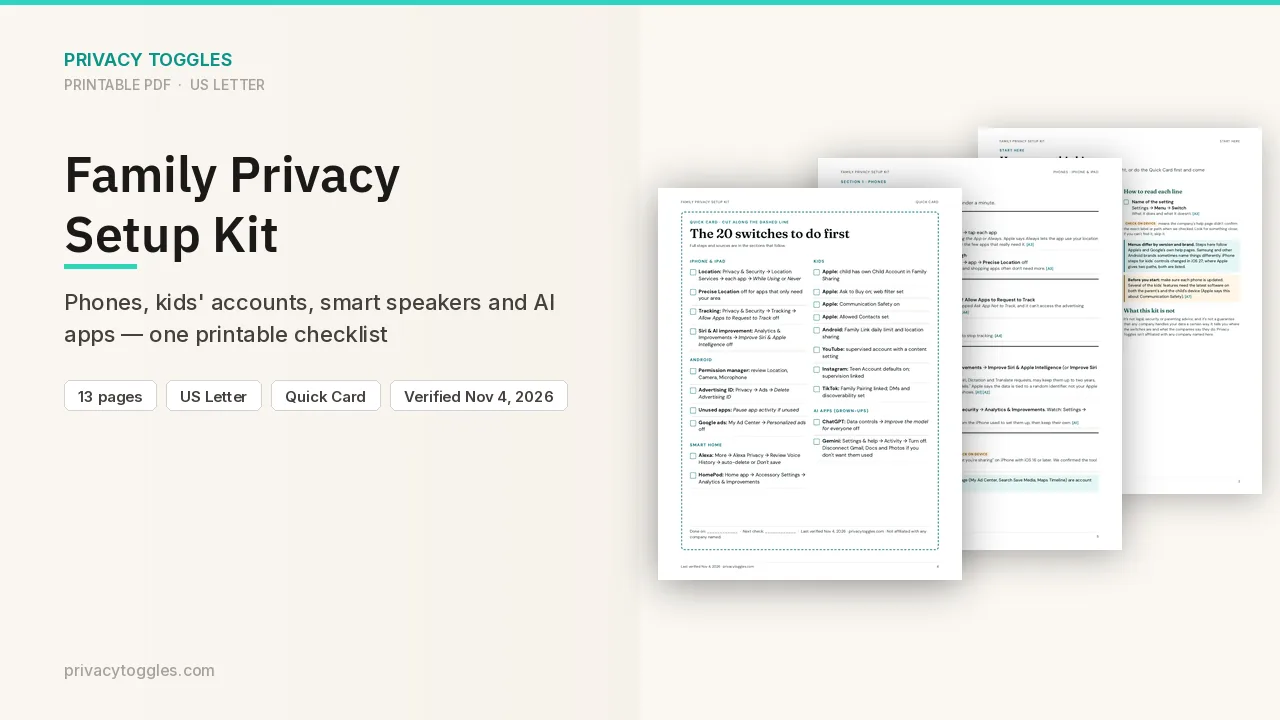
Family Privacy Setup Kit
This page covers Gmail, Docs & Photos only. The Family Privacy Setup Kit is a 13-page printable for kids’ devices, smart speakers, every phone in the house, and the AI apps the grown-ups use.
Get the family kit ($9)Does Gmail, Docs & Photos train on my data?
Myth: "Google trains Gemini on your private Docs and Drive files." Google says: "Workspace does not scan the content of your Google Docs, Sheets, Slides, Vids, or Drive files to train foundational AI models, including Gemini." Source: https://support.google.com/docs/answer/10381817 Fact: there's a commitment for Workspace data. Google says it doesn't use your Workspace data to train or improve the models behind Gemini, Search and other systems outside Workspace "without permission". For Google AI plan users, Gemini in Gmail, Docs, Drive and other Workspace apps uses your content to answer prompts and not to train generative AI models. Source: https://support.google.com/mail/answer/14615114 Fact: connecting apps to the Gemini app changes this. If you connect Gmail, Drive, Docs, Google Photos, Search, YouTube, Wallet or Contacts to the Gemini app (Connected Apps / Personal Intelligence), Google says that data is used to personalize Gemini and also "to improve Google services, including training generative AI models, for everyone". The official Contacts line is now "Contacts, which includes Google Contacts and contact info from your signed-in device" (it no longer adds "US only, English only, and requires an AI Ultra subscription"). It's also human-reviewed under the Gemini Apps Privacy Notice. Source: https://support.google.com/gemini/answer/16836988 Fact: smart-feature interactions (like accepting a spelling fix or reporting spam) are anonymized and/or aggregated and may be used to improve features like spam protection and spell check. Source: https://support.google.com/mail/answer/14615114
Can I opt out?
1. Keep Gmail, Docs and Photos out of the Gemini app. Manage which apps are connected in the Gemini app's Personal Intelligence settings, and disconnect the ones you don't want. Google says disconnecting an app or deleting data in a connected app "doesn't delete any data from Gemini Apps Activity." That leftover activity "can still be used for product improvement, including training generative AI models." You can delete your Gemini Apps activity "to prevent it from being used for future product improvement, unless it has already been reviewed by trained reviewers." Source: https://support.google.com/gemini/answer/16836988 2. Gmail's smart-feature settings (Gmail on a computer → Settings → See all settings → General). There are three independent settings:
- Smart features in Gmail, Chat, and Meet: inbox categories, Smart Compose, summary cards.
- Smart features in Google Workspace: needed for Gemini in Workspace and for things like flight emails showing up in Calendar.
- Smart features in other Google products: lets Workspace data personalize other Google products, such as Wallet. Turning a setting off also turns off the features it powers. Some settings can only be changed in a web browser.
Anything else to know?
- Google Photos: on the pages checked, Google says Photos data you connect to Gemini can be used to infer your interests, relationships and where you've been, including by associating your face with location data and timestamps. Whether Photos uses your library for AI training outside Connected Apps: Being verified (no Photos-specific page checked). Source: https://support.google.com/gemini/answer/16836988
- Work or school accounts: your admin controls these settings.
- For the Gemini app's own training settings, see our Gemini page. On the new version, History and the chat-content training control are separate. Google's help page says "Chat content including text & attachments" is on by default if you are over 18, so you need to uncheck "Chat content including text & uploads" and click Turn off to opt out. "Audio and Gemini Live videos & screenshares" is off by default. History is also on by default if you are 18 or over. If your account still shows Keep Activity, that is the older single setting.
Which official pages were checked?
- support.google.com/docs/answer/10381817
- support.google.com/gemini/answer/16836988
- support.google.com/mail/answer/14615114
- support.google.com/mail/answer/10079371
- support.google.com/drive/answer/15604322
This setting has changed before and may again. Email me when it changes.