
Apple · iPhone, iPad and Mac
How do I stop Siri & Apple Intelligence from training on my data?
Turn off Improve Siri & Apple Intelligence (or Improve Siri & Dictation) in Settings → Privacy & Security → Analytics & Improvements. It’s opt-in. If it’s on, Apple says it can use samples of your Siri data to train its foundation models and keep them for up to two years.
What are the steps?
- Open Settings and tap Privacy & Security.
- Scroll down and tap Analytics & Improvements.
- Turn off Improve Siri & Apple Intelligence (or Improve Siri & Dictation).
Items marked Being verified aren’t clearly stated in the official documentation yet. We’re confirming them before adding detail. Spotted a change? Tell us.
$9 · PDF
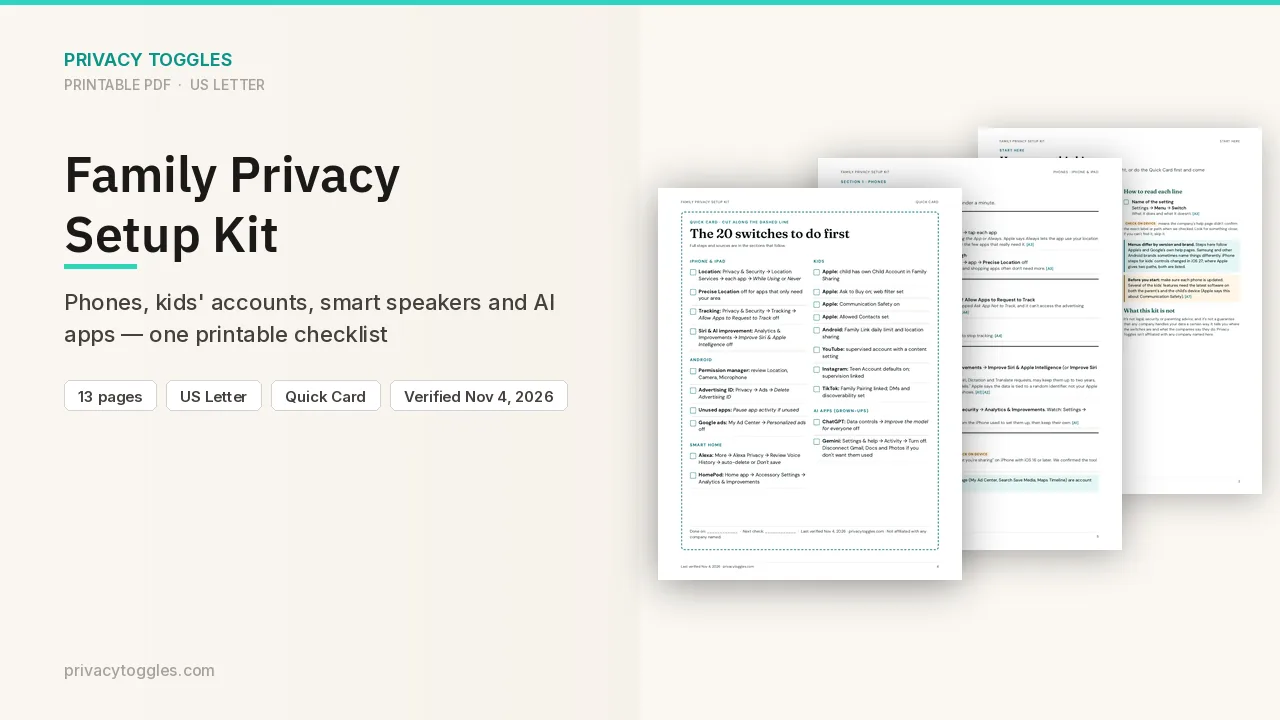
Family Privacy Setup Kit
This page covers Siri & Apple Intelligence only. The Family Privacy Setup Kit is a 13-page printable for kids’ devices, smart speakers, every phone in the house, and the AI apps the grown-ups use.
Get the family kit ($9)What does turning it off actually do?
On iPhone or iPad: Settings → Privacy & Security → Analytics & Improvements → turn off Improve Siri & Apple Intelligence (or Improve Siri & Dictation, depending on your device).
- This is opt-in: Apple asks during device setup, or the first time you use Siri, Dictation or Translate. You can change it any time.
- If you opt in, Apple stores and reviews samples of your Siri, Dictation and Translate interactions (audio, transcripts, related request data). If you opt in to Improve Siri & Apple Intelligence, Apple "can also use this data to train foundation models".
- Apple says this data is tied to a random, device-generated identifier, not your Apple Account or email. It says the data isn't used to build a marketing profile and is never sold.
- iOS version: the help page names "Siri AI" and was published September 16, 2026. Which iOS release (for example iOS 27) shows which label: Being verified.
How long does Siri & Apple Intelligence keep my data?
Apple says data collected when you opt in may be kept and used for up to two years. A small subset of reviewed interactions may be kept longer. Translate requests: up to two years as well. Source: https://www.apple.com/legal/privacy/data/en/improve-intelligence/
Who else can see my Siri & Apple Intelligence data?
Only Apple employees review audio recordings. A subset of non-audio samples may be reviewed by graders. If you use the ChatGPT extension in Siri and have opted in, Apple may store those requests too, under the same rules. Sources: https://support.apple.com/en-us/127070 , https://www.apple.com/legal/privacy/data/en/improve-intelligence/
Anything else to know?
- Other devices: Mac: Apple menu, then System Settings, Privacy & Security, Analytics & Improvements. Apple Watch: Settings, General, Analytics & Improvements. Apple Vision Pro: Settings, Privacy & Security, Analytics & Improvements. Source: https://support.apple.com/en-us/127070
- Apple Watch, HomePod and Apple TV copy the setting from the iPhone or iPad used to set them up. Change it per device later. On HomePod, change it from the Home app (Accessory Settings → Analytics & Improvements). Source: https://support.apple.com/en-us/127070
- An Apple Watch set up for a family member has the setting off by default, and it can't be changed. Source: https://support.apple.com/en-us/127070
Which official pages were checked?
This setting has changed before and may again. Email me when it changes.