
xAI · grok.com and the Grok apps (not Grok inside X)
How do I stop Grok from training on my data?
On grok.com, go to Settings → Data and turn off “Improve the Model” (in the app: Settings → Data Controls). New conversations won’t be used for training; Private Chat is also excluded; voluntary feedback may still be used; logged-out use: in some regions (not EU/UK) no opt-out.
What are the steps?
- On grok.com, open Settings.
- Select Data (in the mobile app: Data Controls).
- Turn off “Improve the Model.”
$9 · PDF
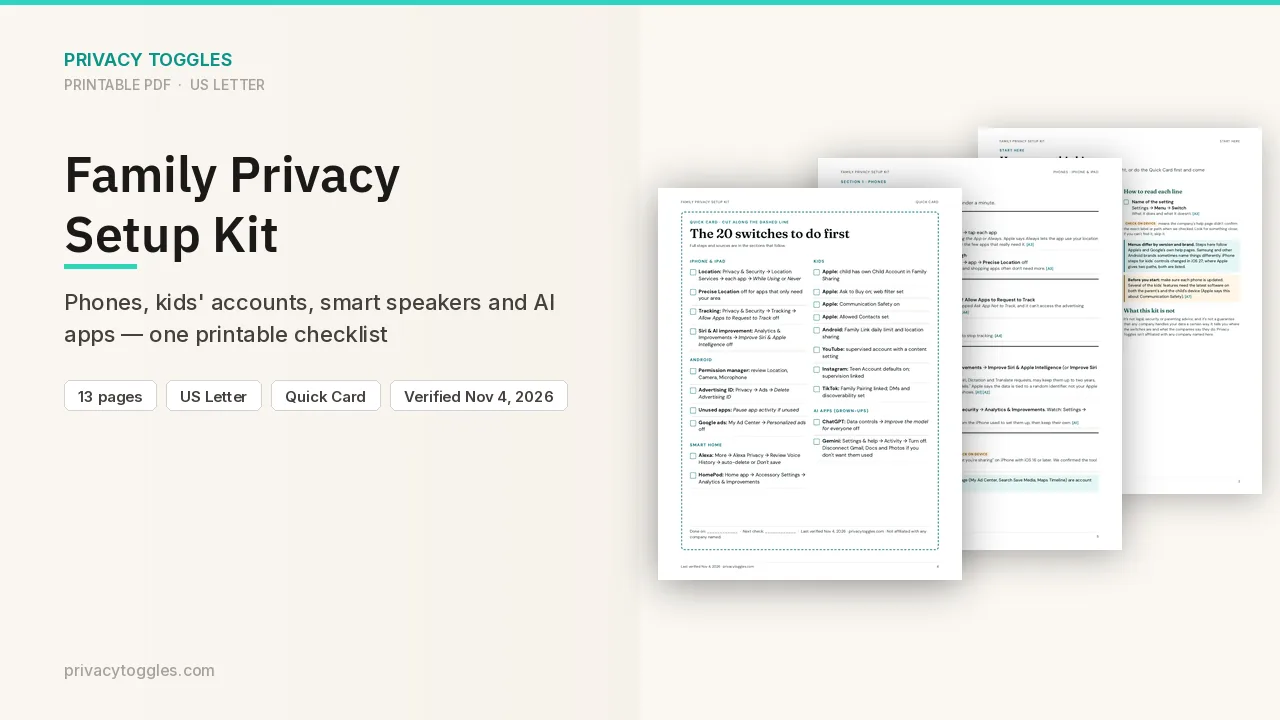
Family Privacy Setup Kit
This page covers Grok only. The Family Privacy Setup Kit is a 13-page printable for kids’ devices, smart speakers, every phone in the house, and the AI apps the grown-ups use.
Get the family kit ($9)What does turning it off actually do?
- App: Settings → Data Controls → "Improve the model" off.
- grok.com: Settings → Data → "Improve the Model" off.
- New conversations then excluded. Private Chat (ghost icon) also excluded. Voluntary feedback may still be used. Logged-out use: in some regions (not EU/UK) no opt-out.
- Grok inside X: separate setting in X Help Center.
- "Personalize Grok using X": app Settings → Data Controls; web Settings → Data.
How long is my Grok data kept, and how do I delete it?
- Delete a chat (history → trash/hold → Delete) or all (Settings → Data Controls → Delete All Conversations); account deletion in same place. Removed within 30 days unless de-identified or retained for safety/security/legal.
- Private Chat deleted within 30 days.
Who else can see my Grok data?
Limited authorized personnel may review conversations (model performance, security, legal). xAI says it doesn't sell data. Share links are public; revoke at grok.com/share-links.
Is there an opt-out when logged out?
Logged-out use: in some regions (not EU/UK) no opt-out.
Which official pages were checked?
This setting has changed before and may again. Email me when it changes.