
Microsoft · Personal Microsoft accounts
How do I stop Microsoft Copilot from training on my data?
Microsoft says prompts, responses and files in the current Copilot app (released August 18, 2026) aren't used to train its foundation models, so there's no training switch to turn off. If you used an older version, sign in to the updated app by December 31, 2026 to keep eligible chats and content; content that hasn't been migrated will be permanently deleted after that date. Still on the older app? Open your profile → Privacy and turn off “Training on conversation activity” and “Training on voice conversations.”
What are the steps?
- Older app on copilot.com: select your profile icon, then your profile name.
- Select Privacy.
- Turn off “Training on conversation activity” and “Training on voice conversations.”
Items marked Being verified aren’t clearly stated in the official documentation yet. We’re confirming them before adding detail. Spotted a change? Tell us.
$9 · PDF
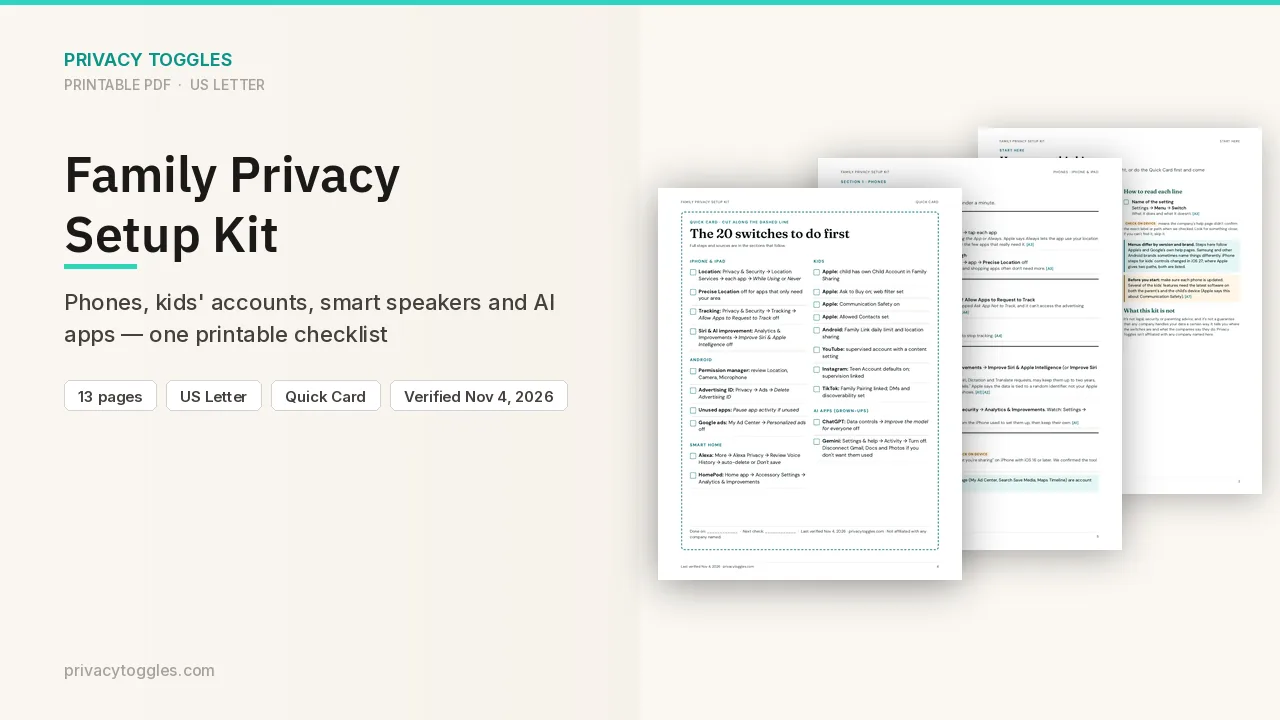
Family Privacy Setup Kit
This page covers Microsoft Copilot only. The Family Privacy Setup Kit is a 13-page printable for kids’ devices, smart speakers, every phone in the house, and the AI apps the grown-ups use.
Get the family kit ($9)What does turning it off actually do?
Current app (August 18, 2026 and later): nothing to turn off. Microsoft says: "Prompts, responses, and your file contents when using the Microsoft Copilot app aren't used to train foundation models." Optional feedback may be used to improve Copilot but isn't used to train the foundation models Copilot uses. This applies when you're signed in with a personal Microsoft account.
Older app (if you haven't updated):
- Deadline: Microsoft says if you used an older version of Copilot, sign in to the updated app by December 31, 2026 to keep your eligible chats and content. "Content that hasn't been migrated will be permanently deleted after this date." Source: https://support.microsoft.com/en-us/microsoft-copilot/privacy-faq-for-microsoft-copilot
- copilot.com: profile icon → profile name → Privacy → turn off Training on conversation activity and Training on voice conversations.
- Windows/macOS app: profile icon → Settings → Privacy → same toggles.
- Mobile: menu → profile icon → Account → Privacy → same toggles.
- In the older app, opting out excludes future conversations from generative-AI training, but NOT from general product improvement, advertising, safety, security or compliance.
How long does Microsoft Copilot keep my data?
Older app: conversation history is kept 18 months by default, and files you share are stored no longer than 18 months. You can delete individual chats or all history any time. New-app retention period: Being verified.
Is my Microsoft Copilot data used for ads?
- New app: Settings → Personalization → turn off Allow ads personalization. Personalized ads may use chat history and saved memories. Microsoft doesn't show personalized ads to under-18s. The same page has controls for Memory, Shared experiences, Chat history and Web search. Import browser data from Microsoft Edge (Settings → Web browsing) is the setting marked as US-only.
- Older app: personalization controls are under profile → Memory (Personalization and memory; Microsoft usage data). The Privacy FAQ's "Model Training" section, including data from Bing, MSN and Copilot, applies only to the older app.
How do I delete my Microsoft Copilot data?
Delete one chat from the chats list (… More → Delete). Export or delete all Copilot activity history in the Microsoft privacy dashboard.
What about work plans?
Microsoft 365 Copilot (work or school account) has no training toggle. It's covered by commercial data protection, and Microsoft says those conversations aren't used to train its models (verified in a live work account, 2026-10-13).
Anything else to know?
Microsoft's hub for the new app: https://support.microsoft.com/en-us/privacy/microsoft-copilot/overview
Whether the new app uses chats for any model improvement other than foundation-model training: Being verified.
Does opting out stop all use of my conversations?
In the older app, opting out excludes future conversations from generative-AI training, but NOT from general product improvement, advertising, safety, security or compliance.
Which official pages were checked?
- support.microsoft.com/en-us/privacy/microsoft-copilot/activity-history
- support.microsoft.com/en-us/privacy/microsoft-copilot/overview
- support.microsoft.com/en-us/privacy/microsoft-copilot/privacy-controls
- support.microsoft.com/en-us/microsoft-copilot/microsoft-copilot-privacy-controls
- support.microsoft.com/en-us/microsoft-copilot/privacy-faq-for-microsoft-copilot
This setting has changed before and may again. Email me when it changes.