
Meta · Muse on muse.ai, iOS, Android, Mac and WhatsApp
How do I stop Meta Muse from training on my data?
Yes: in Muse, open Settings → Data controls and turn off “Help improve our AI models,” which is on by default. Meta says the change also covers your past Muse interactions and data pulled in through Connectors, and if left on, Meta says it removes some identifiers (names, emails, phone numbers, SSNs) and disassociates interactions from your account.
What are the steps?
- Open Muse and go to Settings (bottom-left menu, or Ctrl+,).
- Select Data controls.
- Turn off “Help improve our AI models.”
$9 · PDF
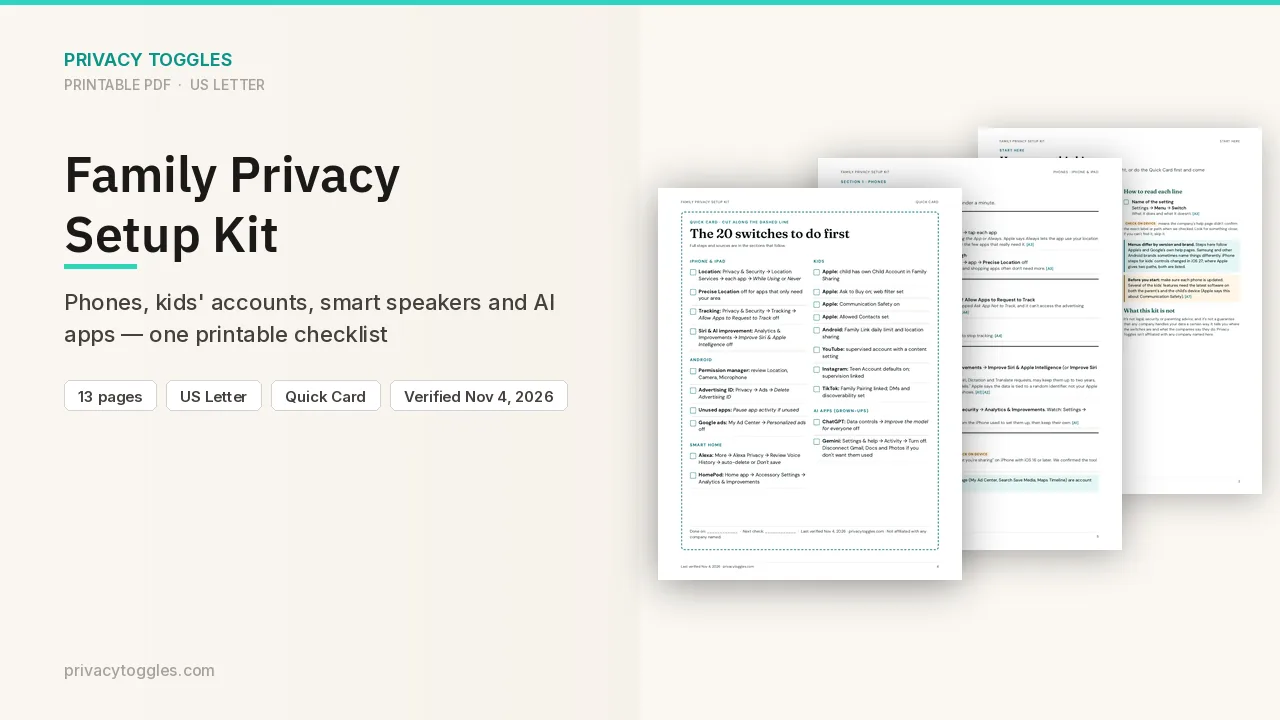
Family Privacy Setup Kit
This page covers Meta Muse only. The Family Privacy Setup Kit is a 13-page printable for kids’ devices, smart speakers, every phone in the house, and the AI apps the grown-ups use.
Get the family kit ($9)What does turning it off actually do?
Settings (bottom-left menu, or Ctrl+,) → Data controls → turn off Help improve our AI models ("Allow us to use your interactions with Muse to develop and improve AI at Meta"). It's ON by default (verified in a live account, 2026-10-13).
- Meta says turning it off also applies to your previous interactions. If left on, Meta says it removes some identifiers (names, emails, phone numbers, SSNs) and disassociates interactions from your account.
- The same training toggle covers data pulled in through Connectors.
How long is my Meta Muse data kept, and how do I delete it?
- No retention, auto-delete or memory on/off setting (verified in a live account). Data controls offers Import memory and Download your Muse data.
- Delete everything: Settings → Data controls → Reset Muse — permanently deletes chat history, files and active tasks (verified in a live account). You can also delete individual messages, side chats and files; Meta notes Muse may still remember things it learned from deleted items.
- Delete your account: Settings → General → Accounts Center (verified in a live account).
Is my Meta Muse data used for ads?
- Meta says Muse doesn't share your conversations or the data in your virtual machine with Meta's ad systems, even if Muse is in the same Accounts Center as other Meta apps. Source: https://www.meta.com/help/artificial-intelligence/1047255454427887/
- If you add Muse to the same Accounts Center as your other Meta accounts, Meta may combine your information across them (outside the ad-system exclusion). Signing up with an email not tied to another Meta account keeps it separate. Source: https://muse.ai/terms?locale=en_US
- "If you keep accounts separate, Muse won't share your Muse interactions or data on your VM with other Meta Products." Source: https://muse.ai/privacy?locale=en_US
What permissions does Muse have?
Muse is an agent that can act for you. Settings → Permissions: Connector and Web access default to "Ask for some actions" — consider switching both to Always ask. Manage permissions lists connected services, allowed websites and scheduled tasks (verified in a live account). Source: https://www.meta.com/help/artificial-intelligence/1385290430137537/
Anything else to know?
- Muse is separate from Meta AI (meta.ai): separate chat history and its own Muse Privacy Policy (effective Sept 17, 2026); it uses your Meta login. Launched Sept 8, 2026.
- Meta says a "Muse Confidential VM" is planned ("in the future"). It is not available.
- Higher-risk features: Wallet (Link by Stripe, Shop Pay) lets Muse buy things; Secure store holds passwords; connectors include Gmail, Google Drive, Plaid (finances) and health apps. Connect only what you need.
Is it on by default?
It's ON by default (verified in a live account, 2026-10-13).
Does turning it off apply to past interactions?
Meta says turning it off also applies to your previous interactions.
Which official pages were checked?
- muse.ai/privacy?locale=en_US
- www.meta.com/help/artificial-intelligence/2225571704857152/
- www.meta.com/help/artificial-intelligence/1047255454427887/
- www.meta.com/help/artificial-intelligence/1385290430137537/
- muse.ai/terms?locale=en_US
This setting has changed before and may again. Email me when it changes.