
Grammarly · Free, Premium and single-user Pro
How do I stop Grammarly from training on my data?
Switch off “Product Improvement and Training” in your Grammarly account’s privacy settings. It’s on by default for individual users; once off, your writing isn’t used to train Grammarly’s models, though writing statistics may still be.
What are the steps?
- Go to account.grammarly.com/security/privacy (single-user Pro: account.grammarly.com/admin/data_settings).
- Find Product Improvement and Training.
- Click the toggle to turn it off.
Items marked Being verified aren’t clearly stated in the official documentation yet. We’re confirming them before adding detail. Spotted a change? Tell us.
$9 · PDF
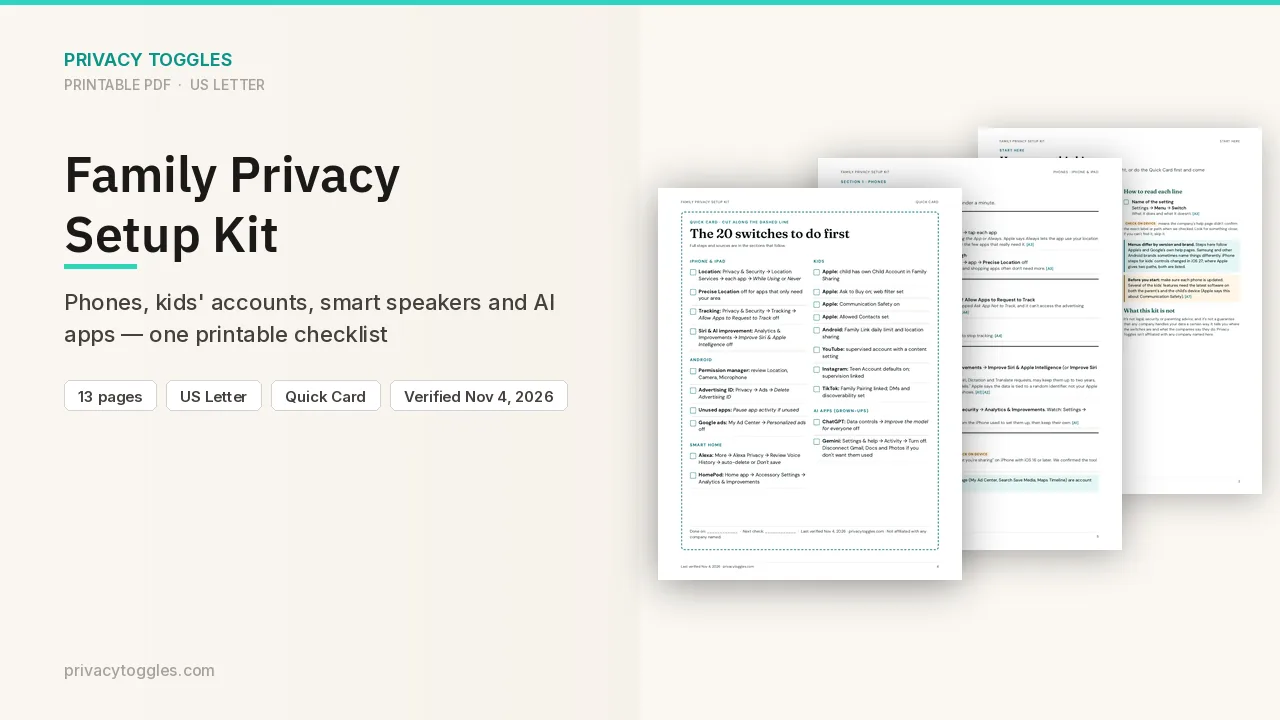
Family Privacy Setup Kit
This page covers Grammarly only. The Family Privacy Setup Kit is a 13-page printable for kids’ devices, smart speakers, every phone in the house, and the AI apps the grown-ups use.
Get the family kit ($9)What does turning it off actually do?
Free and Premium: go to account.grammarly.com/security/privacy and switch off Product Improvement and Training. Single-user Pro: same toggle at account.grammarly.com/admin/data_settings.
- Grammarly says this setting is on by default for individual users.
- Off = the content you write where Grammarly is active won't be used to train its models (including Grammarly's generative features) or improve the product for other users.
- Grammarly may still collect non-content data, such as writing statistics (words written, suggestions accepted, mistakes made), and use it for product improvement and training.
- Pro accounts with more than one user: only the admin can change it. Business, Education, Pro and Enterprise accounts bought through Grammarly's sales team have it off by default. If you join a team account, you take on the admin's setting.
How long does Grammarly keep my data?
Documents you save in the Grammarly Editor are kept until you delete the document or your account. Source: https://www.grammarly.com/privacy
Does Grammarly personalize using my data?
"Tailored assistance" features store data tied to your account to personalize suggestions for you. Turn them off at account.grammarly.com/customize/features; Grammarly says opting out of a feature deletes the data stored for it. Source: https://www.grammarly.com/privacy
How do I delete my Grammarly data?
Account deletion steps: Being verified (not on the pages checked). You can request to view all data tied to your account (per the privacy page).
Which official pages were checked?
- support.grammarly.com/hc/en-us/articles/25555503115277-Product-Improvement-and-Training-Control
- www.grammarly.com/privacy
This setting has changed before and may again. Email me when it changes.