
Canva · Personal (Free and Pro) accounts
How do I stop Canva from training on my data?
Open your Profile → Your account → Privacy controls and switch off the settings that let your content and your general usage improve Canva’s AI-powered features. Canva says Education, Business, Teams and Enterprise content isn’t used.
What are the steps?
- From the Canva homepage, select your Profile icon.
- Choose Your account, then Privacy controls.
- Switch off the permissions that let your content and usage improve AI-powered features.
Items marked Being verified aren’t clearly stated in the official documentation yet. We’re confirming them before adding detail. Spotted a change? Tell us.
$9 · PDF
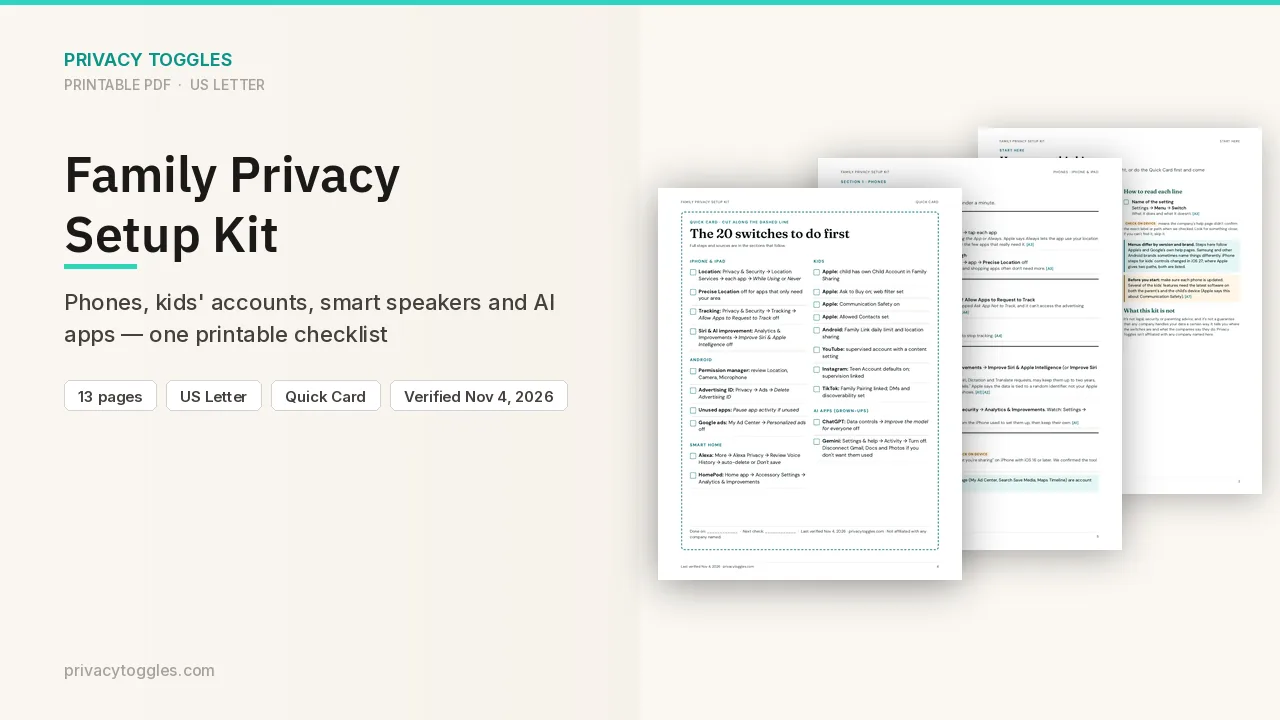
Family Privacy Setup Kit
This page covers Canva only. The Family Privacy Setup Kit is a 13-page printable for kids’ devices, smart speakers, every phone in the house, and the AI apps the grown-ups use.
Get the family kit ($9)What does turning it off actually do?
From the Canva homepage, open your Profile icon → Your account → Privacy controls, read each permission, and switch off the ones about improving AI-powered features.
- Canva says it uses two kinds of your data to improve AI-powered features, only if your Privacy Settings allow it: your content (text in designs, media you upload) and your general usage and activity (design metadata like fonts and colors, which features and buttons you use). Turn off both if you want neither used.
- A lock icon means you can't change that preference (for example on a managed team).
- Canva says it's rolling out navigation changes gradually; if you can't find something on the homepage, look under More.
- Exact toggle labels and whether they're on by default for personal accounts: Being verified (not named on the pages checked).
Who else can see my Canva data?
Canva says it only lets trusted partners (Canva Group entities and service providers) improve AI features with your content if your Privacy Settings allow it. Its privacy settings don't cover third-party apps inside Canva; those apps' own policies apply. Source: https://www.canva.com/trust/privacy/
How do I delete my Canva data?
Canva says you can delete or download your data in Account Settings, and make other privacy requests at privacy@canva.com. Exact deletion steps: Being verified. Source: https://www.canva.com/trust/privacy/
Anything else to know?
- Canva Education: the settings are disabled; Canva says it doesn't use students' content to improve AI features.
- Canva Business, Teams and Enterprise: the control shows as disabled; Canva says it doesn't use that content to improve AI features.
Which official pages were checked?
This setting has changed before and may again. Email me when it changes.