
Cursor · Individual plans (on by default for teams)
How do I stop Cursor from training on my data?
Turn on Privacy Mode in Cursor Settings → General. With Privacy Mode on, Cursor says your code is never used for training by Cursor or its model providers, and Privacy Mode is on by default for Teams/Enterprise; admins can enforce it via cursor.com/dashboard.
What are the steps?
- Open Cursor Settings (Cmd+Shift+J on Mac, Ctrl+Shift+J on Windows/Linux).
- Click General in the sidebar.
- Switch Privacy Mode on.
Items marked Being verified aren’t clearly stated in the official documentation yet. We’re confirming them before adding detail. Spotted a change? Tell us.
$24 · PDF
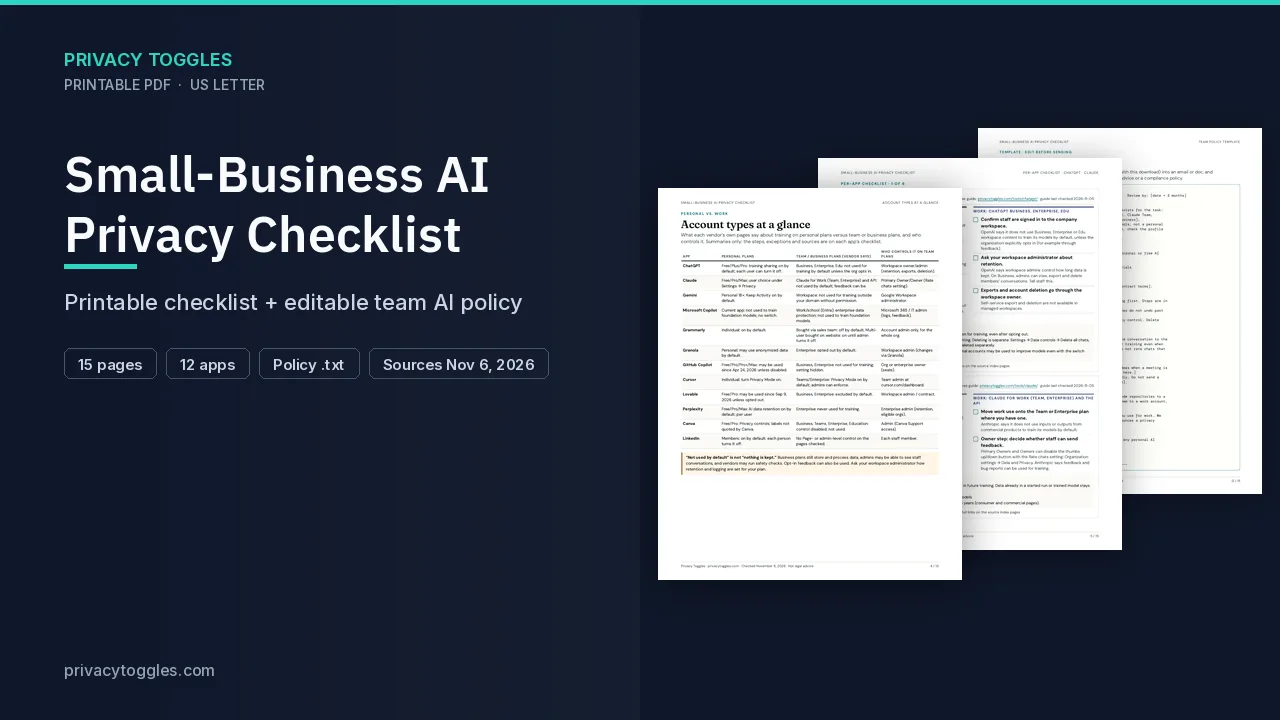
Small-Business AI Privacy Checklist
This page covers one person’s Cursor account. The Small-Business AI Privacy Checklist covers training controls, account types, and a team policy template.
Get the team checklist ($24)What does turning it off actually do?
Cursor Settings (Mac Cmd+Shift+J / Win Ctrl+Shift+J) → General → toggle Privacy Mode on. With Privacy Mode, code is never used for training by Cursor or model providers. On by default for teams; Enterprise admins can enforce.
How long does Cursor keep my data?
Zero-data-retention agreements with providers, EXCEPT: your own API keys (provider policy applies) and some models that require retention (off by default, admin approval).
Claude Fable 5.2 requires Anthropic to store agent inputs and outputs even when Privacy Mode is on, to support automated and human harm-prevention processes. Cursor says that data is not used to train or improve Anthropic's models or products, and that retained customer data is deleted after 30 days unless it is subject to a safety investigation or legal hold. If Privacy Mode is on, or the account is on an Enterprise plan, the model stays off until its data-retention policy is approved in the Cursor Dashboard (for a team or organization, an admin approves it). Enabling Fable 5.2 does not change Privacy Mode or Cursor's own retention of your data. Source: https://cursor.com/docs/models/claude-fable-5-2
Who else can see my Cursor data?
Prompts and code context go to model providers (OpenAI, Anthropic, Google, etc.) under DPAs; sub-processors at trust.cursor.com/subprocessors.
How do I delete my Cursor data?
Privacy Mode is on by default for Teams/Enterprise; admins can enforce it via cursor.com/dashboard. Deletion: via support process ("How your data is used"); details Being verified.
Is Privacy Mode on by default?
Privacy Mode is on by default for Teams/Enterprise; admins can enforce it via cursor.com/dashboard.
Which official pages were checked?
This setting has changed before and may again. Email me when it changes.