
Google · Personal Google accounts
How do I stop Google Search (Save Media) from training on my data?
Turn off Save Media in Search Services History. Google says media from your future Lens, voice and Search Live use then won’t train its generative AI unless you give feedback. Media you already saved isn’t deleted until you delete it yourself.
What are the steps?
- Open My Google Activity and select Search Services History.
- Uncheck Save Media (this also turns off Allow review of saved media).
- To remove past media, select View and delete saved history and delete it.
$9 · PDF
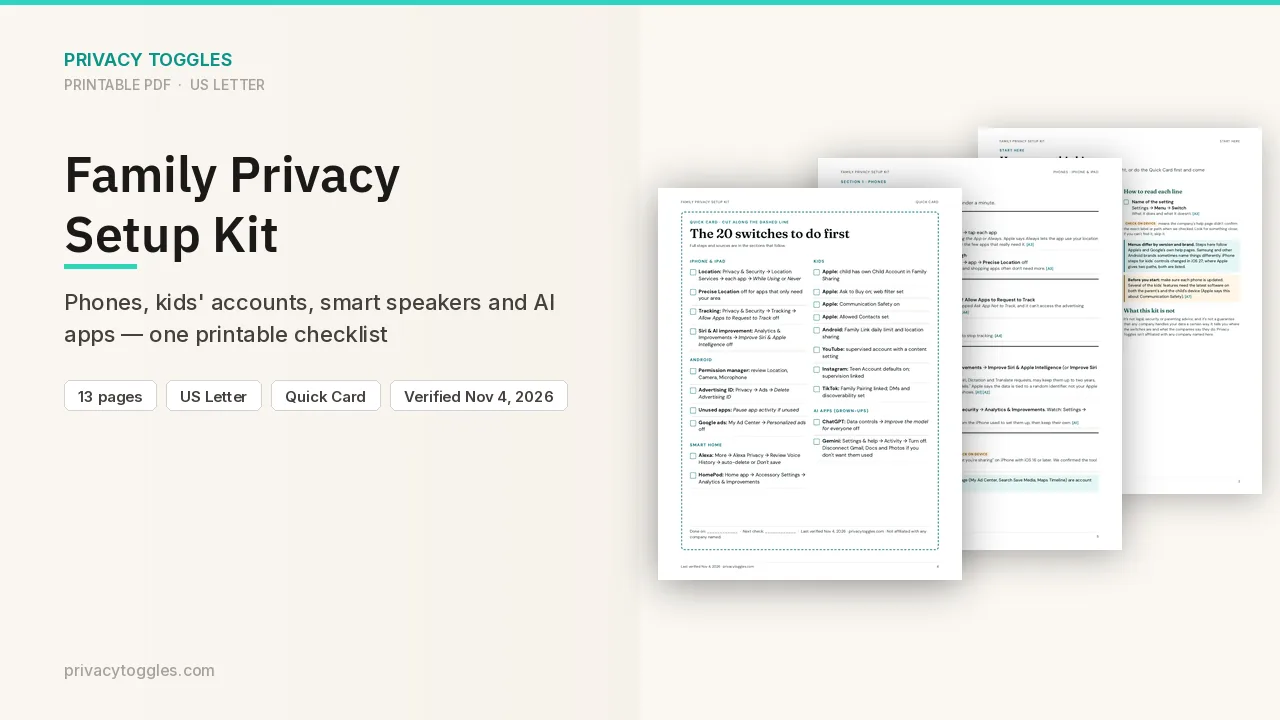
Family Privacy Setup Kit
This page covers Google Search (Save Media) only. The Family Privacy Setup Kit is a 13-page printable for kids’ devices, smart speakers, every phone in the house, and the AI apps the grown-ups use.
Get the family kit ($9)What does turning it off actually do?
Turn off the Save Media subsetting in Search Services History.
- Go to Search Services History in your Google Account (via My Google Activity) and uncheck Save Media.
- Google says saved media can be used to develop and improve its AI models. With Save Media (or Search Services History) off, media from your future searches won't be used to train Google's generative AI models, unless you send feedback.
- Saved media means your images, files, audio and video from Search services: Google Lens photos, Search Live and Translate speaking-practice recordings, uploads, and voice searches. It doesn't include media you make or edit with AI, or photos you post publicly (like in reviews).
- Turning Save Media off doesn't delete media already saved. Google says it "may continue to be used to improve Google technologies unless you delete it."
- Turning Save Media off doesn't turn off Search Services History. Your text history, voice transcripts and AI-generated media responses are still saved.
Who else can see my Google Search (Save Media) data?
A separate checkbox, Allow review of saved media, lets human reviewers (including trained service providers) look at saved media to help train Google's generative AI. Google says it asks your permission first. Turning off Save Media also turns this off. To turn it off on its own: My Google Activity → Search Services History → uncheck Allow review of saved media. Source: https://support.google.com/websearch/answer/17028154
How long does Google Search (Save Media) keep my data?
When saved media is used to train Google's AI models, Google says it's disconnected from your Google Account and kept for up to 4 years. Source: https://support.google.com/websearch/answer/17028154
How do I delete my Google Search (Save Media) data?
My Google Activity → Search Services History → View and delete saved history. Delete media there; you can download it first with Google Takeout. Source: https://support.google.com/websearch/answer/17028154
Anything else to know?
- Google says it's rolling these settings out gradually across Search, Maps, Shopping, Flights, Hotels, Translate and News over "the next few months". If you don't see them yet, Web & App Activity still controls your Search history. Source: https://support.google.com/websearch/answer/17028154
- School accounts: Google says it doesn't use Search Services History data, including saved media, to train generative AI models. Work accounts may need an admin to turn on Search services. Source: https://support.google.com/websearch/answer/17028154
Which official pages were checked?
This setting has changed before and may again. Email me when it changes.