
Google · Personal Google accounts (18+)
How do I stop Gemini from training on my data?
Google is rolling out new Gemini settings over the coming weeks. On the new version, open Settings and then History. Leave History on if you want your chats saved. Google’s help page says “Chat content including text & attachments” is on by default if you are over 18, so you need to uncheck it to opt out. “Audio and Gemini Live videos & screenshares” is off by default. History is also on by default if you are 18 or over. To opt out: Settings → History → uncheck “Chat content including text & uploads” → Turn off. Google uses “attachments” in the help text and “uploads” in the steps. Turning History off also stops future chats from training models unless you send feedback. With History off, or in a temporary chat, Google keeps those chats for around two months. Reviewed chats can be kept for up to 3 years. If you still see Keep Activity, turn that off. Chats and memory you import from other AI apps are saved in your History and can be used to train Google’s models.
What are the steps?
- Go to gemini.google.com. At the bottom, select Settings and then History.
- Leave History on if you want your chats saved. Uncheck Chat content including text & uploads (the help text says Chat content including text & attachments), then click Turn off. That setting is on by default if you are over 18.
- If you still see Keep Activity, open the menu, select Settings & help, then Activity, and choose Turn off or Turn off and delete activity.
$9 · PDF
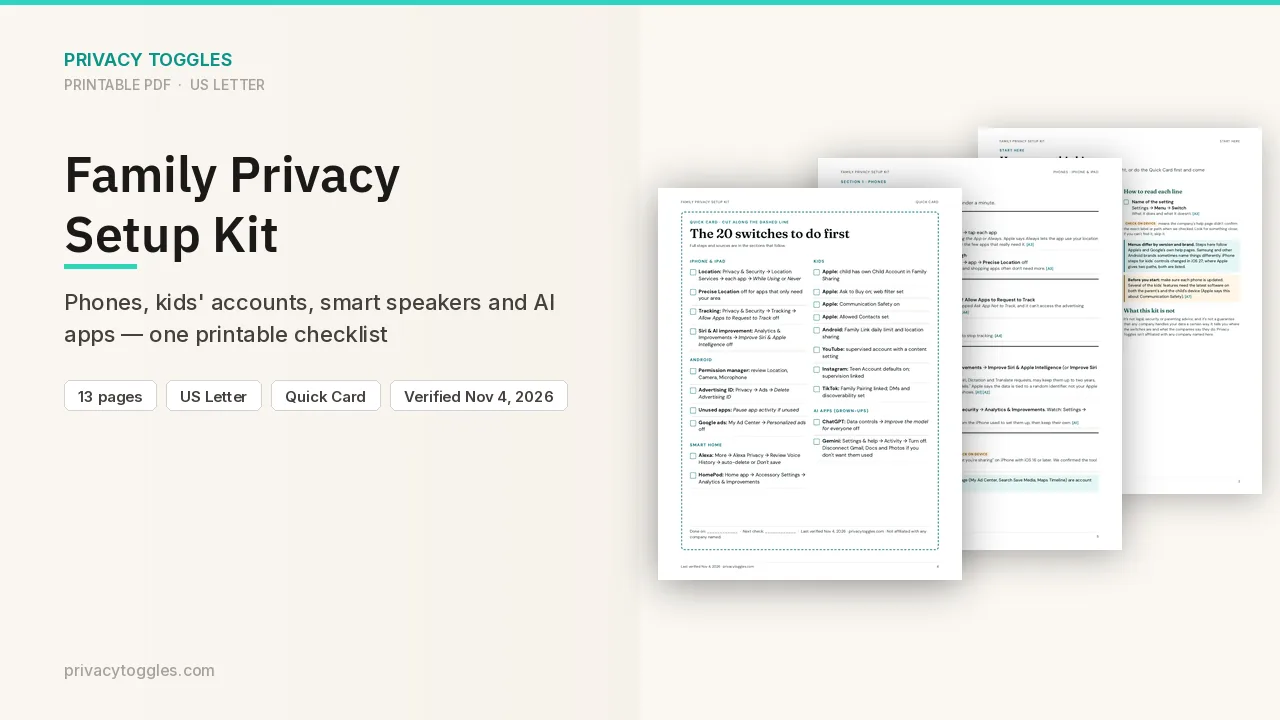
Family Privacy Setup Kit
This page covers Gemini only. The Family Privacy Setup Kit is a 13-page printable for kids’ devices, smart speakers, every phone in the house, and the AI apps the grown-ups use.
Get the family kit ($9)What does turning it off actually do?
Google will start rolling these changes out globally in the Gemini app in the coming weeks. On the new version, you can keep History on and turn off training. gemini.google.com → at the bottom, Settings and then History. You can also open https://myactivity.google.com/product/gemini.
- Google's help page says "Chat content including text & attachments" is on by default if you are over 18, so you need to uncheck it to opt out. "Audio and Gemini Live videos & screenshares" is off by default. History is also on by default if you are 18 or over. History has to be on before you can turn the training settings on.
- To opt out: Settings → History → uncheck Chat content including text & uploads → Turn off. You can leave History on. Google uses both labels: "attachments" in the help text and "uploads" in the steps. The Privacy Hub describes this as the control for whether Google uses your chat content, including text and attachments, to train generative AI models.
- Turning History off also stops future chats from being used to train generative AI models, unless you send feedback. Near the top, click On, then Turn off or Turn off and delete history.
- Temporary chats are not used to train Google's AI models. They are also not used to train generative AI models with help from human reviewers.
- With History off, only some connected apps stay available: Device assistance, Gemini Notebook, Messages, Phone, WhatsApp. Some Connected Apps are unavailable when History is off.
- If your account does not have the new settings yet: Menu → Settings & help → Activity → Turn off (or Turn off and delete activity). That older setting is Keep Activity. When it is off, future chats are not used to train models unless you send feedback.
How long does Gemini keep my data?
- With History off, or in a temporary chat, Google keeps those chats with your account for around two months. They are used to respond to you, process feedback, and protect Google, its users, and the public. Chats saved while History is off do not appear in Gemini History.
- With History on, auto-delete is 18 months by default. You can change it to 3 months, 36 months, or Don't auto-delete history.
- Chats reviewed by human reviewers are separated from your account and kept for up to 3 years. They are not deleted when you delete history, and they are kept even if you turn the training setting off later.
- With History off, feedback you send includes "the last 24 hours of your chats" as context, plus content in those chats (attachments and data from Connected Apps). Reviewed feedback is kept up to 3 years, disconnected from your account. Source: https://support.google.com/gemini/answer/13594961
Who else can see my Gemini data?
- Even with History off, with the chat-content training setting off, or in temporary chats, Google still uses chats to respond to you and to protect Google, its users, and the public, including with help from human reviewers. With History off or in a temporary chat, those chats are kept for around two months.
- If the chat-content training setting is off, future chats are not used to train generative AI models unless you provide feedback. They can still be reviewed and used to improve Google services in other ways. This setting applies only to your Gemini history. It does not change activity saved by other Google services.
- Your Gemini settings do not control processing of your chats to create anonymized data to improve Google services.
- Human reviewers (including service providers) read some chats to improve quality and safety. Audio, Gemini Live video, and screenshares are not used to improve services unless you turn on Improve Google services with your audio and Gemini Live videos & screenshares. That setting is off by default.
How do I delete my Gemini data?
On the History page, delete all history, the last hour or day, a custom range, one day, or one item. You can also delete from https://myactivity.google.com/product/gemini.
Anything else to know?
- "Data (memory and chats) that you import from other AI platforms is saved in your History. This data is used consistently with your Gemini history, including to improve our services (including training generative AI models)." Source: https://support.google.com/gemini/answer/13594961
- If you connect Workspace, Photos, YouTube, Wallet, Search or Contacts to Gemini via Connected Apps / Personal Intelligence, Google says that data is used to "improve Google services, including training generative AI models, for everyone". The official Contacts line is now "Contacts, which includes Google Contacts and contact info from your signed-in device" (it no longer adds "US only, English only, and requires an AI Ultra subscription"). Disconnecting an app or deleting data in a connected app "doesn't delete any data from Gemini Apps Activity." Google also says that leftover activity "can still be used for product improvement, including training generative AI models," and that you can delete your Gemini Apps activity "to prevent it from being used for future product improvement, unless it has already been reviewed by trained reviewers." The Connected Apps page still says to turn off Keep Activity. On the new version, the separate training control is in Gemini History, and the Privacy Hub says that setting applies only to your Gemini history. See our Gmail, Docs & Photos page. Source: https://support.google.com/gemini/answer/16836988 Work/school accounts: admin-controlled. You may not be able to change how long chats are kept.
Is it on by default?
Google's help page says "Chat content including text & attachments" is on by default if you are over 18, so you need to uncheck it to opt out. "Audio and Gemini Live videos & screenshares" is off by default. History is also on by default if you are 18 or over.
Does turning it off delete past data?
With History off, or in a temporary chat, Google keeps those chats with your account for around two months.
Which official pages were checked?
- blog.google/innovation-and-ai/products/gemini-app/updated-controls/
- support.google.com/gemini/answer/13278892
- support.google.com/gemini/answer/13594961
- support.google.com/gemini/answer/16836988
This setting has changed before and may again. Email me when it changes.