
Meta · Facebook, Instagram, WhatsApp and the Meta AI app
How do I stop Meta AI from training on my data?
You can’t: in our check of a signed-in US account, Meta AI offers no setting to stop training on your chats. You can delete your chats and turn off “Suggesting your prompts on other apps,” which is on by default.
What are the steps?
- In the Meta AI app, open Settings, then Data & privacy.
- Under “Suggesting your prompts on other apps,” turn off Facebook and Instagram.
- Go to Manage your information → Delete data → Delete all chats and media.
Items marked Being verified aren’t clearly stated in the official documentation yet. We’re confirming them before adding detail. Spotted a change? Tell us.
$9 · PDF
Family Privacy Setup Kit
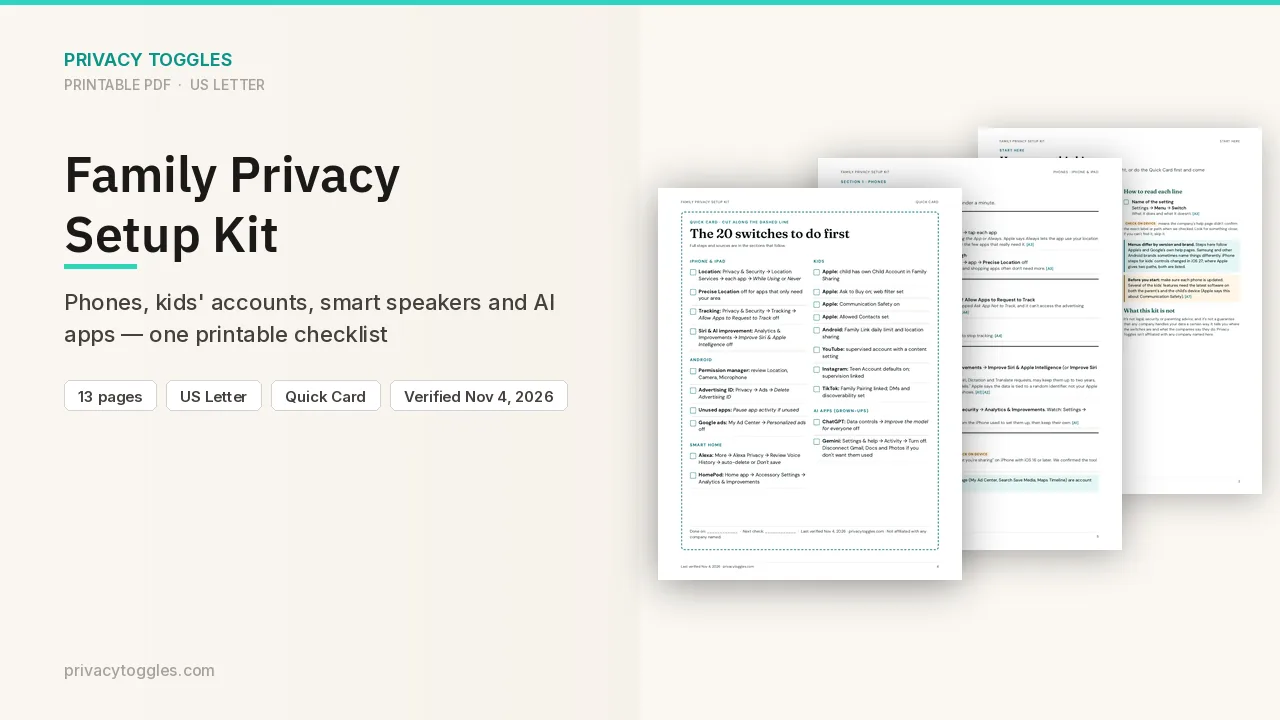
This page covers Meta AI only. The Family Privacy Setup Kit is a 13-page printable for kids’ devices, smart speakers, every phone in the house, and the AI apps the grown-ups use.
Get the family kit ($9)Does Meta AI train on my data?
Meta states it trains on public Facebook/Instagram posts and people's interactions with AI at Meta features: https://transparency.meta.com/features/ai-at-meta-training-data/ Meta AI help: "Meta uses your interactions with AIs to improve AI at Meta"; if AI can't answer, messages + region may be shared with select partners. Source: https://www.meta.com/help/artificial-intelligence/2457110494637611/
Can I opt out?
No, not in the US (verified in a live US account, 2026-10-13). In the Meta AI app, Settings → Data & privacy → AI data training only links to Meta's informational page (https://www.facebook.com/privacy/genai/); there is no toggle or objection form for US users. The "Right to object" form is reported as EU/UK-only (not shown to our US account). Practical steps: set your Facebook/Instagram accounts to private, avoid sharing sensitive info with Meta AI, and turn off prompt suggestions (below).
Who else can see my Meta AI data?
Settings → Data & privacy → Suggesting your prompts on other apps has separate Facebook and Instagram toggles. Both were ON by default in our live check; they let your public prompts be suggested to others on Meta apps. Turn both off if you don't want that (verified in a live account, 2026-10-13). "Depending on your region, your interactions with AI products can be used to personalize content and ads." Source: https://www.meta.com/help/artificial-intelligence/2457110494637611/
How long is my Meta AI data kept, and how do I delete it?
- Delete all chats: Meta AI app → Settings → Data & privacy → Manage your information → Delete data → Delete all chats and media (verified in a live account, 2026-10-13). Public vibes aren't deleted. The help article also lists Remove all public vibes. Menu path for that option: Being verified. Source: https://www.meta.com/help/artificial-intelligence/2457110494637611/
- Delete your account: Settings → General → link to Accounts Center (verified in a live account).
- No retention or auto-delete setting exists in the app (verified in a live account). Meta doesn't publish a retention period for Meta AI chats.
- Voice conversations: the recording is in history only temporarily; the text transcript stays. Source: https://www.meta.com/help/artificial-intelligence/2457110494637611/
- AI Glasses voice: transcripts/audio stored by default; delete in the Meta AI app (Supplemental Privacy Policy: https://www.meta.com/legal/privacy-policy/).
Anything else to know?
Using Muse, Meta's separate AI agent (muse.ai)? It has its own training opt-out — see our Muse page.
Do people review my Meta AI data?
Trained reviewers process voice data on AI Glasses (same policy). Chat human review: Being verified.
Are prompt suggestions on by default?
Both were ON by default in our live check; they let your public prompts be suggested to others on Meta apps.
Which official pages were checked?
- transparency.meta.com/features/ai-at-meta-training-data/
- www.meta.com/legal/privacy-policy/
- www.meta.com/help/artificial-intelligence/2457110494637611/
- www.facebook.com/privacy/genai/
This setting has changed before and may again. Email me when it changes.